To document my 28th year, I put together a Flickr set that showcases most of the important events in my life from April 18, 2006, to April 18, 2007. I purposefully neglected to put any of my work in there, since the whole ERA404 site is devoted to my vocational triumphs and accomplishments. I doubt this post would be interesting to anyone that doesn’t know me, but you’re welcome to take a gander and let me know your thoughts.
Pix
My Favorite Posters
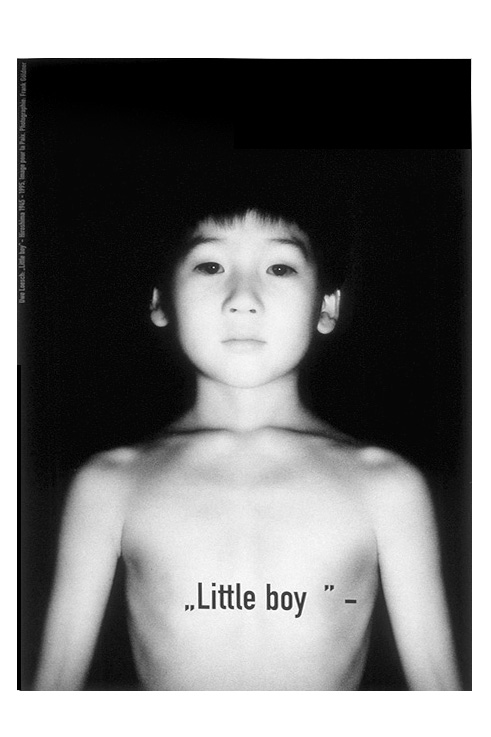
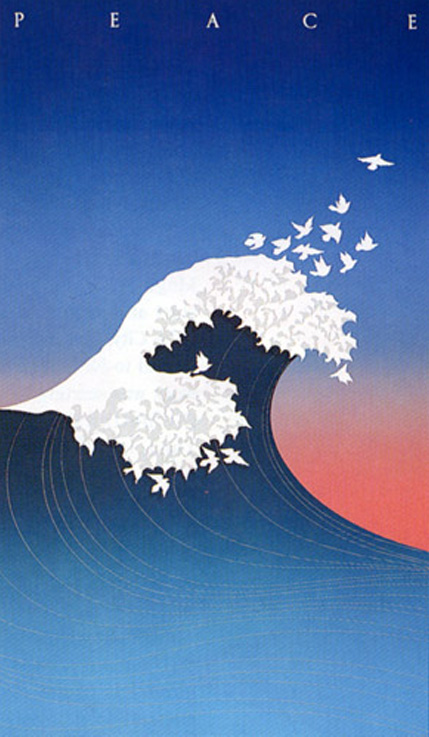
Two of my favorite posters of all time are Little Boy, by Uwe Loesch, and Wave of Peace, by McRay Magelby.
AmEx Photo Magnets
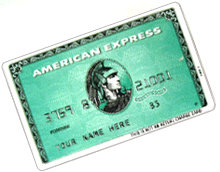
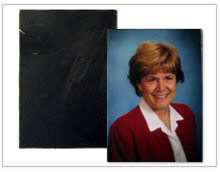

God bless the kind people at American Express. Each week, sometimes 2-3 times a week, they send me a nice letter to let me know that they approve of me. They’re probably the friendliest pen pals I’ve ever had. To make things better, they even send me a Self-Addressed Bulk Postage Paid Envelope so that I can keep in touch with them from time to time. Things are pretty busy around here, so I don’t have much time to write responses. Normally, I’ll send them a pizza coupon, or a Chinese menu, or whatever else I get in the mail that day, just to let them know that I care about them as well. Certainly, it’s not as reassuring as having them tell me that they approve of me each week, but it’s the least I can do for them. After all, I’ve started to grow distinctly suspicious that they may have other pen pals in my building.
Either way, AmEx has lovingly redoubled their interest in my self-happiness by sending me little gifts with their thoughtful messages of approval. You may be familiar with the magnetic credit cards they mail out with the ominous “Your Name Here” message that cast you a daunting leer every time you get more cream for your coffee.
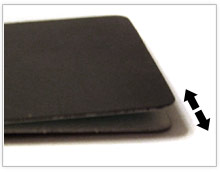
As it turns out, these magnets delaminate quite easily. And, as they’d already held various family pictures to my stainless steel fridge, I realized the master plan behind my pals at AmEx: cut out the middle man.
Step 1: Pull apart the edges of the magnet slowly until it begins to separate. You’ll notice that the adhesive continues to stick to the magnet side, rather than the plastic card side (those kids thought of everything!) This way this project requires no art supply run as you should have everything you need at home (photo, magnet, scissors) and that’s it!
Step 2: Cut the magnet to slightly larger size than your photo. If your picture is larger than a wallet-size, you may need to crop the photo to fit the magnet.
Step 3: Adhere the magnet, pressing firmly at the corners.
Step 4: Cut the magnet flush with scissors or an X-acto Blade
Step 5: Place on fridge and lovingly adore.
That’s it! With friends like these…eh, Gary?
Florida Art and Texture Photos
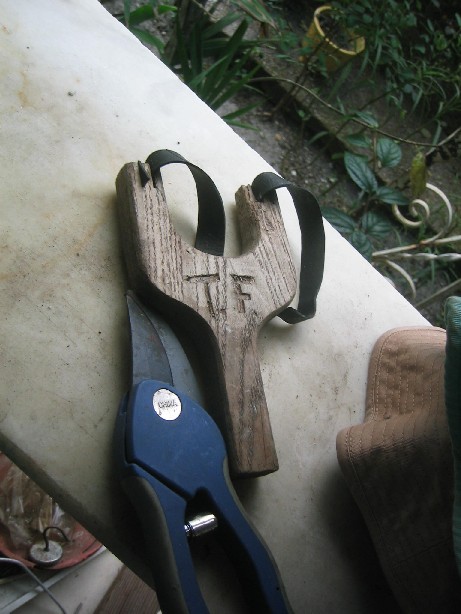
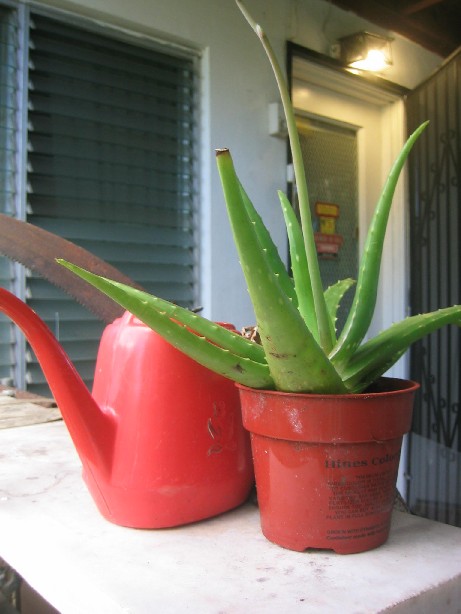
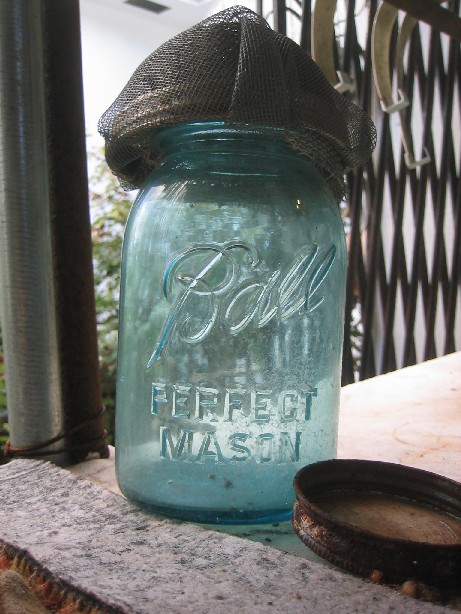
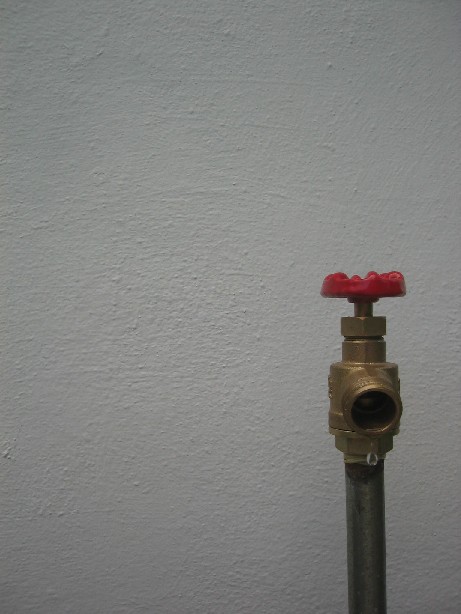
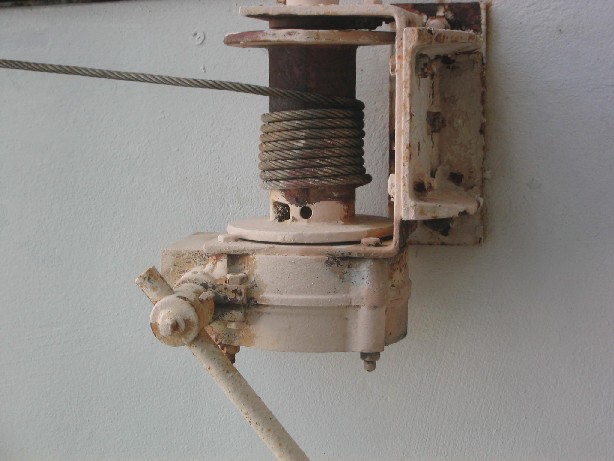
These are some fun pictures taken on recent trip to Florida. My grandparents have an amazing backyard, filled with curious items and scenes that would make any shutterbug trigger-happy.
Click the images above to pop-up large versions of the photos or click here to see the entire gallery.
Geotag (with Picasa2 & Google Earth)
 When I was a kid, I had a dream that when you die, you’re taken to a room in heaven where a red line traces your existance on the world, darting in and out of streets, houses, colleges, towns, states, countries, etc. This way, even if your work didn’t leave an indelible line on society, your steps surely would. In the dream, I saw the lines intersect with my family and then split off again. The lines tangoed with lovers (and glowed more vividly when they crossed), meandered with friends, sped down highways on roadtrips and caromed off near misses with soul mates, only to intertwine again. The pulsing line, so full of activity, only ended when you were laid to rest for good. It’s a stupid dream, but, hey, I was a kid.
Geotag (with Picasa2 & Google Earth)
When I was a kid, I had a dream that when you die, you’re taken to a room in heaven where a red line traces your existance on the world, darting in and out of streets, houses, colleges, towns, states, countries, etc. This way, even if your work didn’t leave an indelible line on society, your steps surely would. In the dream, I saw the lines intersect with my family and then split off again. The lines tangoed with lovers (and glowed more vividly when they crossed), meandered with friends, sped down highways on roadtrips and caromed off near misses with soul mates, only to intertwine again. The pulsing line, so full of activity, only ended when you were laid to rest for good. It’s a stupid dream, but, hey, I was a kid.
I’ve always been charmed by the idea of connecting myself with the world. It’s one of the main reasons I designed the parent site of Donline, Citarella.net. This is where my family can connect with other branches in the tree. It’s also why I created the flickr map gallery of my family members, the Heat Map, and why Mike and I worked on creating myhoboken.info (which enables businesses in the Hoboken area to plot themselves on maps with logos). I thought that was pretty innovative, since no one else seemed to do it at the time, but I’ve just learned of the GeoTag feature of Picasa2 and Google Earth.
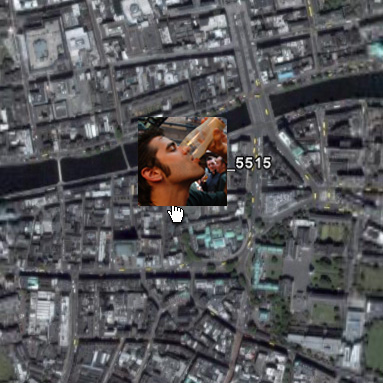
If you’ve never seen this, it’s definitely something exciting to look at. GeoTags enable you to create an external Google Earth file that links to your images in Picasa to plot exactly where they were taken in the world. It goes one step beyond that to have the file load when you’re browsing through Google Earth to see a smattering of your photos on the planet.
It’s actually quite simple to do.
1. Locate an image in Picasa2.

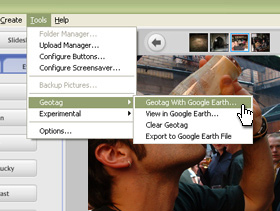
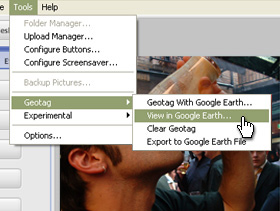
2. Click “Tools” –> “Geotag” –> “Geotag in Google Earth”
3. Search for your location in Google Earth.
(ie. “Dublin, Ireland”)
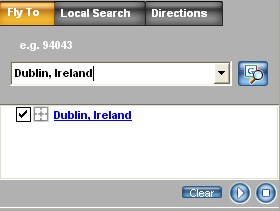
4. Crosshairs will appear on the aerial map of the earth. Drag the crosshairs to exact the location where the picture was taken.
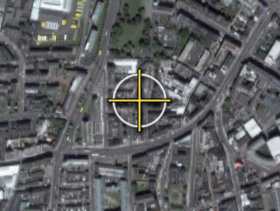
5. Click “Geotag” from the Picasa2 pop-up to confirm your location.
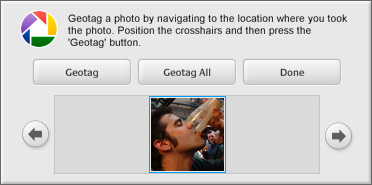
Now, you’re done. See how easy that was? If you want to view your Geotags, browse to the image in Picasa2 and click “Tools” –> “GeoTag” –> “View in Google Earth”
It’ll open up Google Earth again and pinpoint the picture on the globe. Here’s me drinking a Black-n-Black (Guinness and Espresso) in Temple Bar Pub, in Temple Bar, Dublin, Ireland.
Give it a try for yourself!
Travel


Refined my Flickr Travel Gallery to incorporate new textures taken in Barcelona and Mallorca this past Spring.
>> See them here.