
Informational
Free, Online, Too
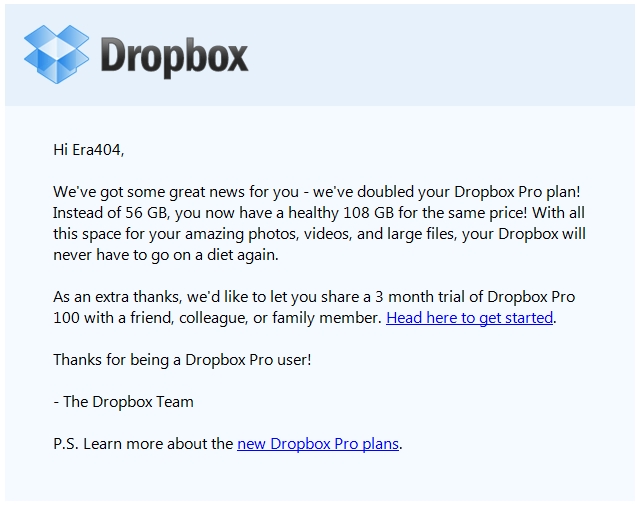
Every once in a while, I receive an email like the above, which reminds me that there are honorable companies out there that strive for their positive initiatives and ethical practices to help sell their products (Notice that Dropbox doubled our storage capacity ‘as a thank you for being a Dropbox Pro customer’ and uses ‘an extra thanks’ to help promote their paid services to our friends, colleagues and/or family members.)
In light of my post about online companies promoting free products and gradually stripping them away (Free, Online), as well as the recent rant, Don’t Upgrade Quickbooks, I decided to compile two lists of online businesses:
1. Bad Practices: Those that have been guilty of luring customers in and paring down their offerings (or steepening their prices)
2. Good Practices: Those that have withstood the trend by doing the complete opposite, providing additional free services.
I’d love your help with these lists, citing company names and examples of how they’ve fallen into one of these two categories. Send me an email or comment on this post to be added to the list.
25 Tips for Optimizing a Blog’s Google Sitelinks
The following is an excerpt from a new Informational Resource I’ve posted on my company‘s web site:
What are Sitelinks?
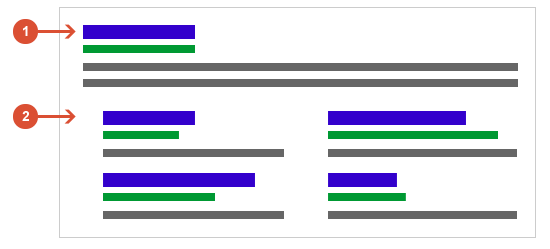
The links shown below some of Google’s search results (1), called sitelinks (2), are meant to help users navigate sites. Google’s systems analyze the link structure of each site to find shortcuts that will save users time and allow them to quickly find the information they’re looking for.
Google only shows sitelinks for results when they think they’ll be useful to the user. If the structure of the site doesn’t allow their algorithms to find good sitelinks, or they don’t think that the sitelinks for the site are relevant for the user’s query, Google won’t show them. At the moment, sitelinks are automated, but there are best practices site owner’s can follow, however, to improve the quality of their sitelinks.
I Will No Longer Be Tweeting on LinkedIn (And Neither Will Most People)
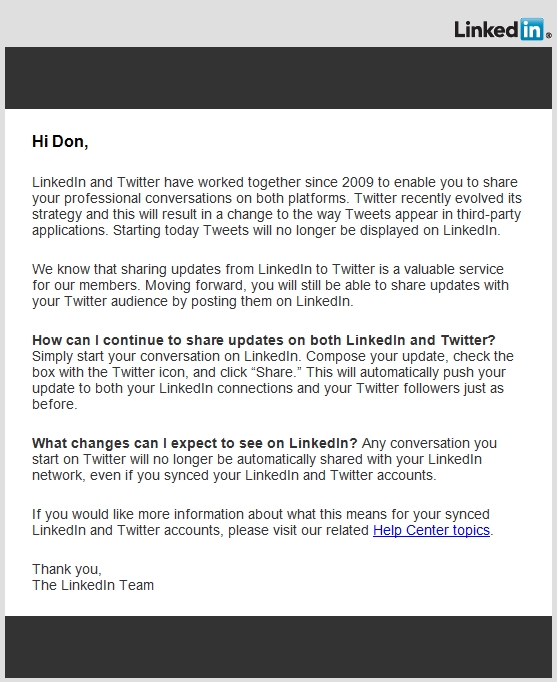
In this day and age, this sort of behavior, unfortunately, is unacceptable. It’s a shame, too, as I’ve heard a number of members of my LinkedIn network appreciated tweets in their news feed. But if LinkedIn can’t play nice with the big guys and come up with a more satisfying arrangement, I doubt most people will lose sleep over their tweets being absent from the profile of a social networking site that doesn’t even make the top three. Read more
LinkedIn Hacked?
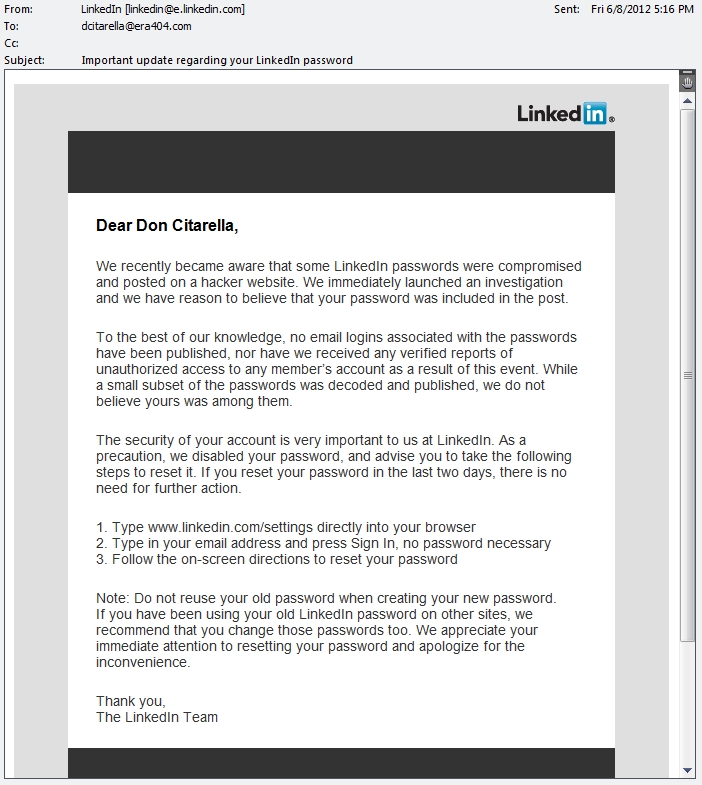
I received this email today. I was curious of the authenticity of the email and the numbers affected and, after some digging, learned that it is, indeed, real (LinkedIn Blog: Taking Steps to Protect Our Members):
Note to Self

Android’s “Note to Self” feature has become a life saver for me. I remember things when I’m walking to and from meetings, sitting on the train, or generally away from my desk. And rather than keep a notepad or moleskine and pen with me at all times, I’d begun to use the message voice action that’s packaged with Android.
The only cumbersome aspect of this feature is that it doesn’t let you specify the recipient of the note to self. After all, in Google’s world, your Google Account’s main email/gmail address is (and should be) your “self.”
“Maybe I can recreate the main email address tied to my HTC Evo,” I thought, “so that it’s a more specific ‘self'”. I tried to change it from don.citarella to don.citarella+mobile, but had no luck. Apparently, once you’ve associated a main address with an Android phone, the only way to remove/change it is to perform a factory reset.
So, while it’s not the cleanest/best solution, Gmail Filters do the trick.